SDR++ (sdrpp-brown) and SDR software on the uConsole
On Rex's images a single apt install gives you SDR++ for the AIO's RTL-SDR or a USB dongle; his AIO package adds the sdrpp-brown fork.
What it takes
- Software only
- Purchase required
Difficulty 1 of 3 - easy.
Details
The AIO boards' RTL-SDR appears as a normal USB device, so any Linux SDR software works; the community standard is SDR++ - packaged as sdrpp on Rex's Bookworm and Trixie images per the HackerGadgets guide, and as the sdrpp-brown fork inside Rex's hackergadgets-uconsole-aio-board package, which also brings tar1090, PyGPSClient and meshtastic-mui. Pick RTL-SDR from the source list and press play; on Trixie add the linux_pulseaudio_sink module in Module Manager and then a sink, or you will hear nothing. The ADS-B service and SDR++ cannot share the dongle, so stop one before starting the other.
If you want a whole distribution built around it, Rex's DragonOS image (see the OS entries) is what Talking Sasquatch used in the rtl-sdr.com review of the AIO v2. tdsepsilon's build article notes GNU Radio installed straight from the package manager for a quick spectrum capture with a cheap RTL-SDR - as far as anyone has documented GNU Radio on the console.
Links
Open at Forum threadRelated mods
Rex's AIO package ships readsb and the tar1090 map as a disabled service with a menu launcher; Intercept or a hand-built dump1090 are the alternatives.
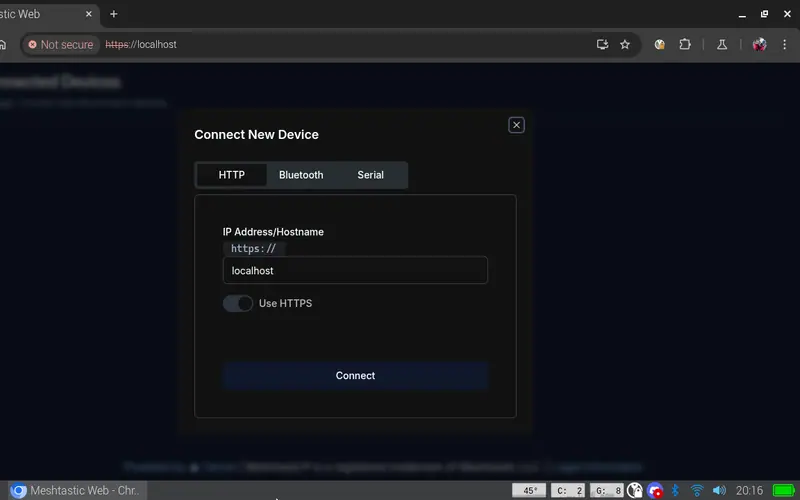
Run a Meshtastic node on the console itself: meshtasticd drives the AIO's SX1262 over SPI, with the graphical MUI, the web UI or the Contact TUI client on top.
Two receivers, two recipes: the 4G card's GNSS via AT+CGPS on /dev/ttyUSB3, or the AIO's GPS on the serial port (/dev/ttyS0 CM4, /dev/ttyAMA0 CM5) at 9600 baud.
The AIO's PCF85063A keeps time off-grid once the right overlay is in config.txt - and on a CM5 the built-in fake RTC has to be switched off first.
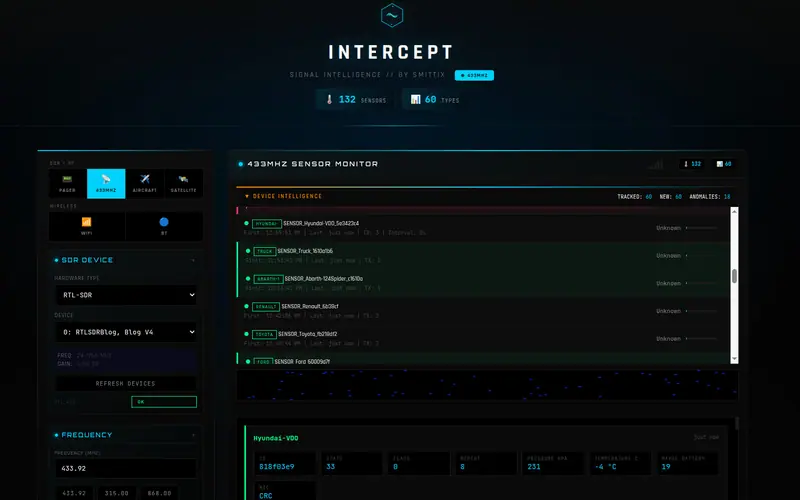
smittix's web front end wraps 433 MHz sensors, POCSAG/FLEX pagers, ADS-B, satellites and Wi-Fi/Bluetooth scanning in one page; Alejandro runs it on the AIO SDR.
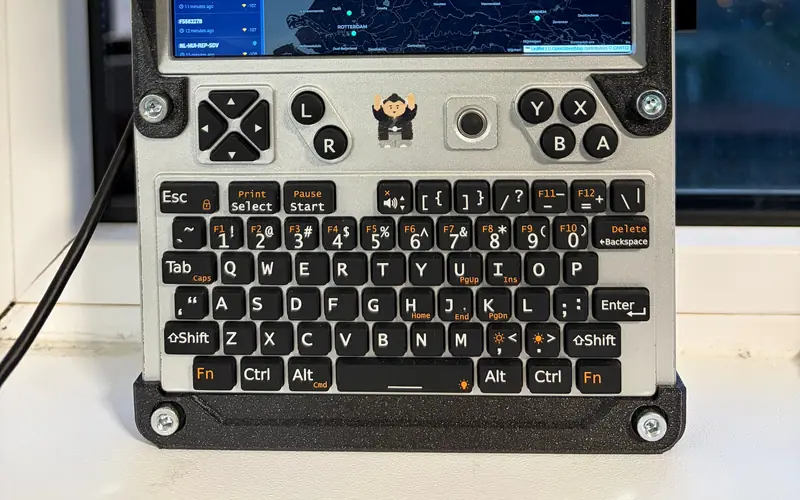
MeshCore has no Linux-native node firmware, so the community built on pyMC_core: guax's YAMPA packet analyser and TUI chat client, and cwill747's GTK app.