RetroPie image and RetroArch on the uConsole
Rex's ClockworkPi-RetroPie image (Pi-Gen, EmulationStation, RetroArch) is the working answer; the Debian install and gamepad threads fill in the rest.
What it takes
- Software only
- Firmware flash
Difficulty 2 of 3 - moderate.
Details
Rex's RetroPie 6.12.y image is built with Pi-Gen from Raspbian, EmulationStation and RetroArch, with the uConsole drivers, charging defaults and external-antenna setting baked in; CM3 (legacy panel), CM4 and CM5 are supported, the filesystem expands on first boot, and after making an account you run sudo retropie-device uconsole. Later builds added volume keys through triggerhappy, persistent themes and precompiled Dreamcast and PSP cores; mikeschnier's verdict is that 8- and 16-bit systems are perfect on a CM4 and N64 and Dreamcast playable. Known snags: do not use Raspberry Pi Imager's custom settings, use the FBNeo core rather than lr-mame2003 on 64-bit, and QMK-keyboard users must delete es_input.cfg and the RetroArch autoconfig files.
Before the image, jutleys ran RetroPie on top of Debian with an 8BitDo pad and an SDL_GAMECONTROLLERCONFIG line in .profile, and cuu's answer to the stock-image RetroArch problem was that arm64 cores are not pre-compiled - load one by hand with retroarch -L core.so rom.zip. The built-in YXBA keys arrive as keyboard keys; the community QMK firmware's gamepad mode (Fn+G), or selecting the 'Clockwork uConsole Keyboard' device and remapping in RetroArch, sorts that out.
Links
Open at Forum threadRelated mods
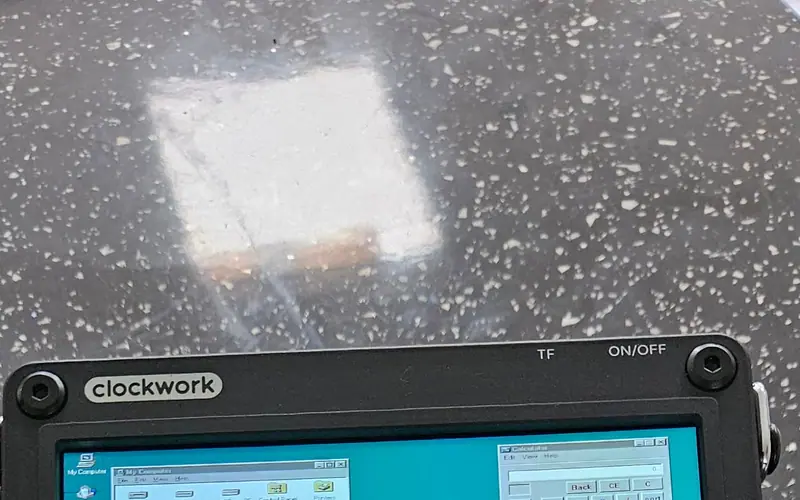
jutleys booted a prepared Windows 95 disk image in RetroArch's DOSBox-X core with working mouse buttons; plain DOSBox on the A-06 needs output=opengl to behave.
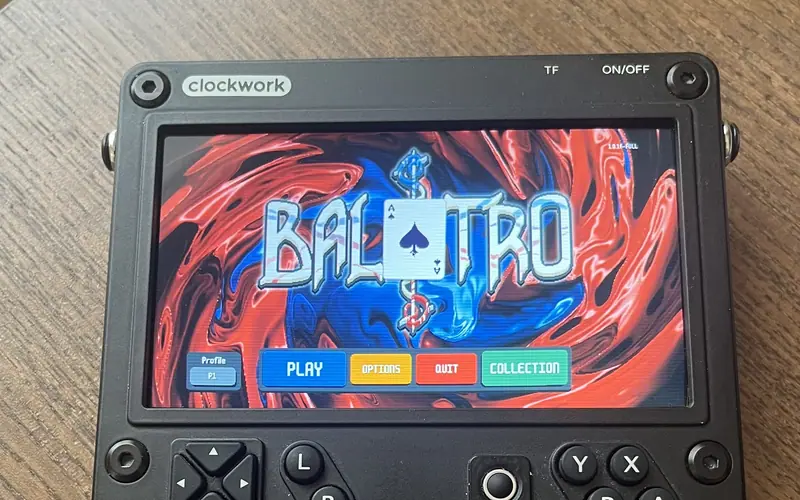
Extract Balatro.love from the Steam install, patch globals.lua for Linux and run it with love - full speed on a CM4 with the performance governor.
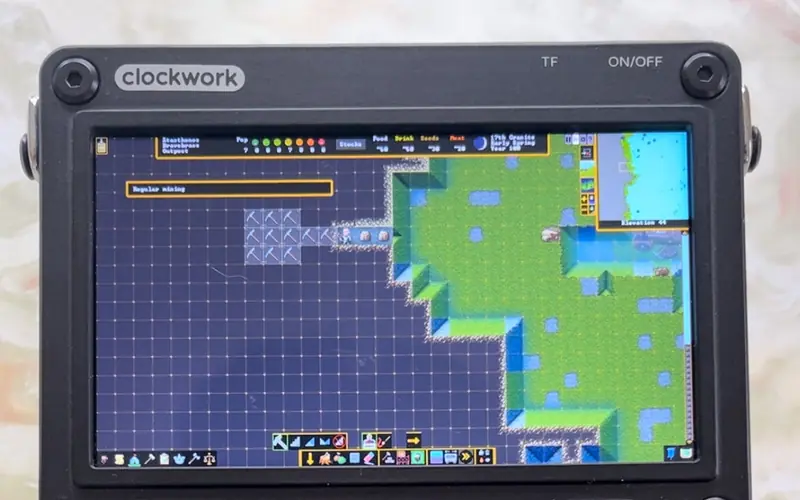
ptitSeb's Box86/Box64 run the x86 Steam client and WINE on a CM4 or CM5 - old and light games only, Steam in Small Mode, plus a compatibility list.
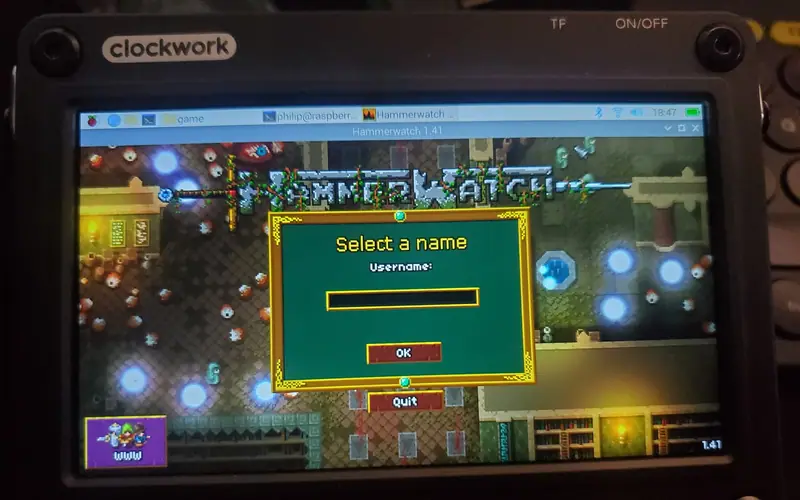
Philip's four fixes for a GOG Linux installer on a CM4: unzip the .sh, run it through Box64, teach the launch script about aarch64, export TERM=xterm for Mono.
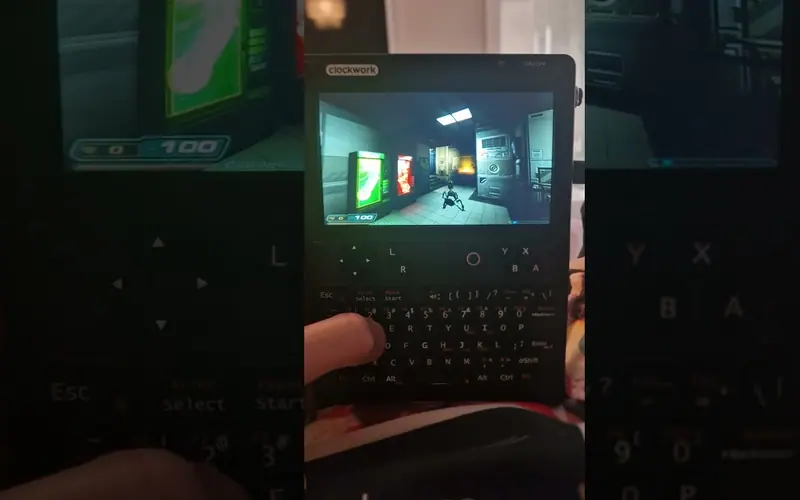
Qazax ran Doom 3 at 1280 × 720 on maximum settings on an A-06 uConsole, installed through Pi-Apps with the gearbox in gear 6.
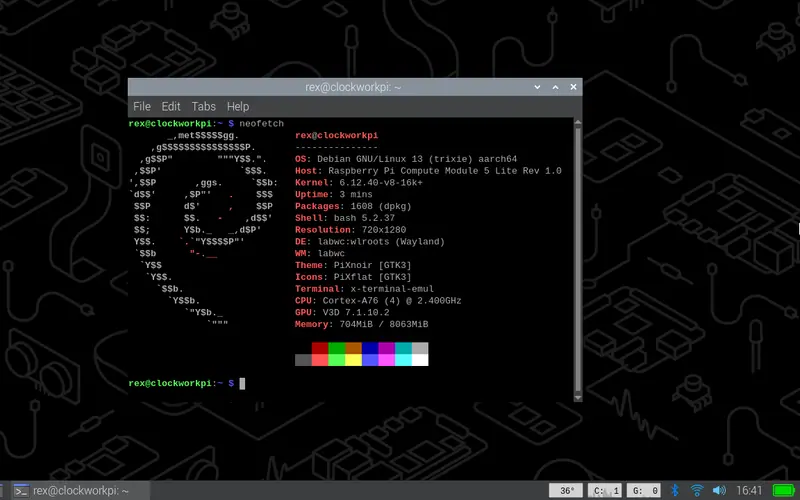
The community's recommended OS: Debian 13 on Rex's patched Pi kernel, desktop and Lite variants, for CM3+, CM4, CM4S and CM5.