Lock screen with swaylock on the Bookworm image
The Bookworm desktop ships without a screen lock; swaylock bound to Ctrl+Alt+L in wayfire.ini fills the gap.
What it takes
- Software only
- Config change
Difficulty 1 of 3 - easy.
Details
blaknite's recipe: sudo apt install swaylock, then in ~/.config/wayfire.ini set binding_lock=<ctrl> <alt> KEY_L and command_lock=swaylock (add -i some.jpg for a wallpaper). The thread notes that Fn+Esc already locks the keyboard input in hardware, and that hyprlock and gtklock were not in the repository at the time.
Rex's newer images use labwc rather than Wayfire, so the binding goes in labwc's rc.xml instead - see the OSD entry by the same author for that pattern.
Links
Open at Forum threadRelated mods
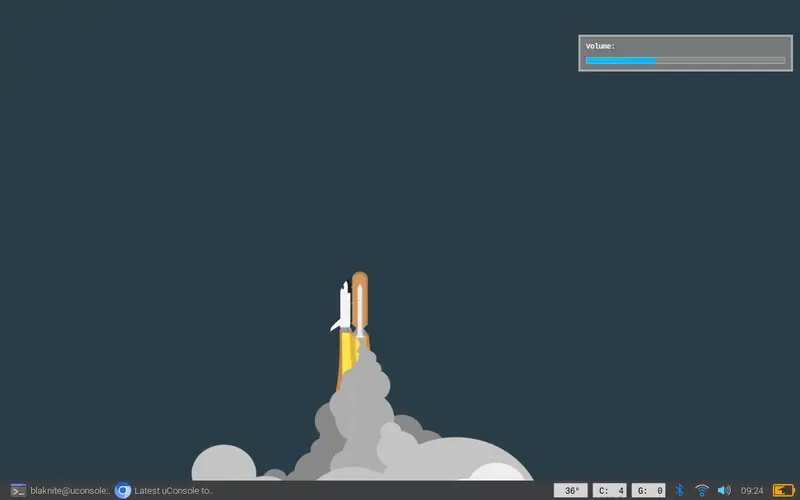
Two small scripts with dunst give the volume and brightness keys a visible pop-up on the Bookworm desktop, for Wayfire or labwc.
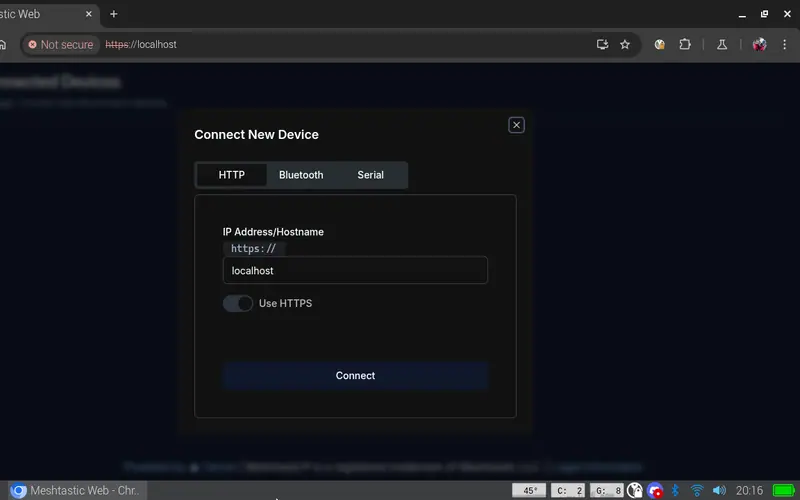
Run a Meshtastic node on the console itself: meshtasticd drives the AIO's SX1262 over SPI, with the graphical MUI, the web UI or the Contact TUI client on top.
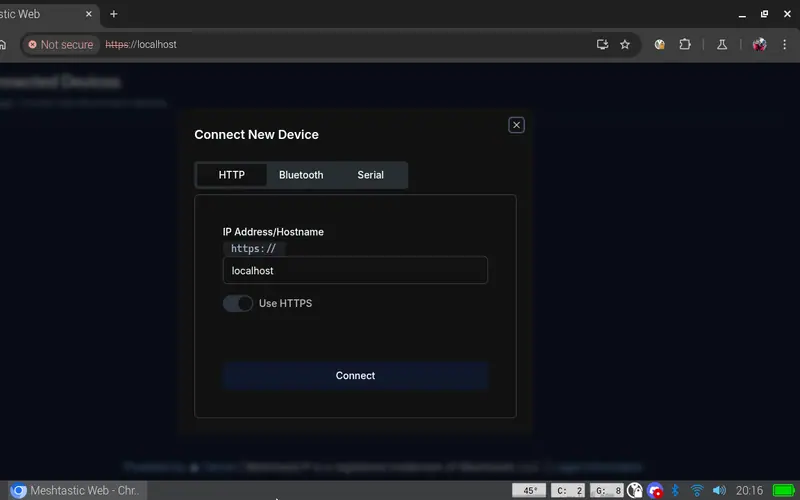
On Rex's images a single apt install gives you SDR++ for the AIO's RTL-SDR or a USB dongle; his AIO package adds the sdrpp-brown fork.

Rex's ClockworkPi-RetroPie image (Pi-Gen, EmulationStation, RetroArch) is the working answer; the Debian install and gamepad threads fill in the rest.
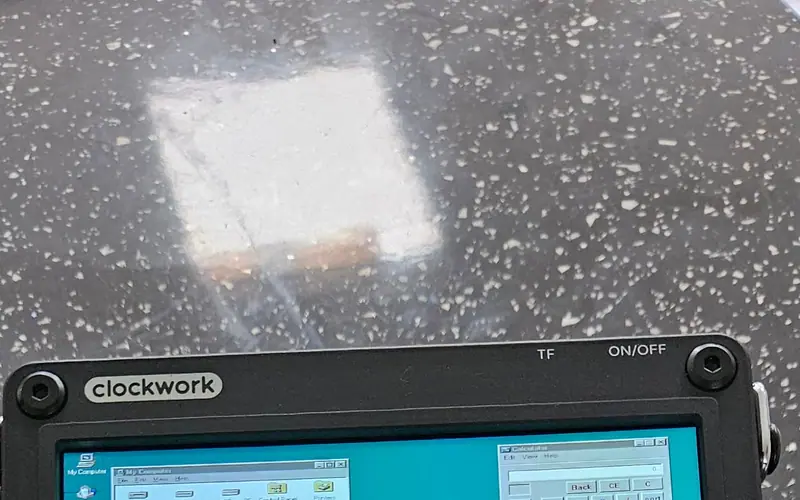
jutleys booted a prepared Windows 95 disk image in RetroArch's DOSBox-X core with working mouse buttons; plain DOSBox on the A-06 needs output=opengl to behave.
Two receivers, two recipes: the 4G card's GNSS via AT+CGPS on /dev/ttyUSB3, or the AIO's GPS on the serial port (/dev/ttyS0 CM4, /dev/ttyAMA0 CM5) at 9600 baud.