Steam, WINE and x86 games through Box86/Box64
ptitSeb's Box86/Box64 run the x86 Steam client and WINE on a CM4 or CM5 - old and light games only, Steam in Small Mode, plus a compatibility list.
What it takes
- Software only
Difficulty 1 of 3 - easy.
Details
Snoozer94's 'do I dare ask' thread settles it: Steam runs under Box64 (built from source with dynarec, or installed through Pi-Apps), takes minutes to start and only suits older or 2D titles - Fallout 1, 2 and Tactics, Terraria (sluggish), Dungeons of Dredmor, Into the Breach and Avernum worked, Fallout 3 and New Vegas did not, and Half-Life or Morrowind are about the ceiling on a CM4. Run Steam in Small Mode and prefer DRM-free builds launched directly. mikeschnier's follow-up got the Windows build of Dwarf Fortress going under WINE + Box64 from Pi-Apps by copying an installed Steam copy into the WINE C: drive; the keyboard fix is a UseTakeFocus string set to N under HKEY_CURRENT_USER\Software\Wine\X11 Driver.
AleReb's uconsole-game-compat repository documents 40-odd titles on a CM5 across Box86, Box64, WINE, FEX, native ARM ports and the ARM64 Steam client - configuration only, no game files.
Links
Open at Forum threadRelated mods
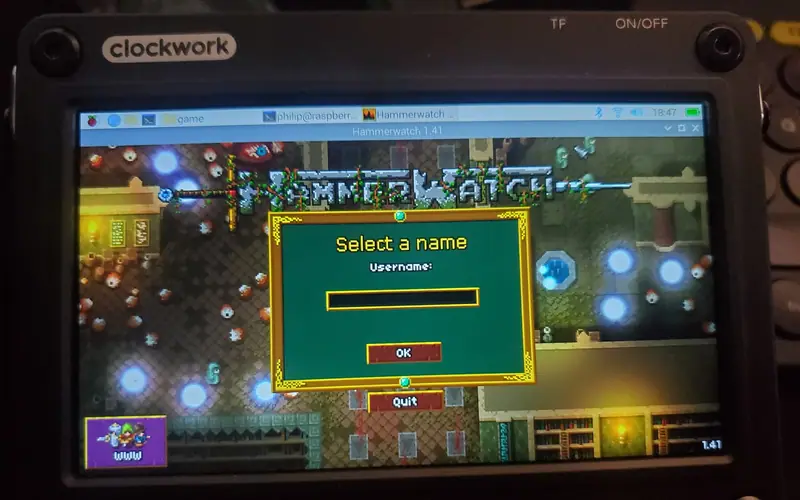
Philip's four fixes for a GOG Linux installer on a CM4: unzip the .sh, run it through Box64, teach the launch script about aarch64, export TERM=xterm for Mono.
Rex's ClockworkPi-RetroPie image (Pi-Gen, EmulationStation, RetroArch) is the working answer; the Debian install and gamepad threads fill in the rest.
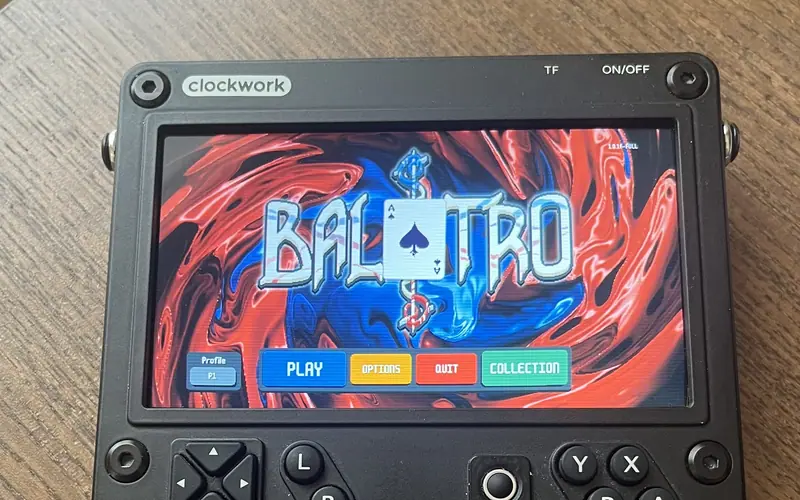
Extract Balatro.love from the Steam install, patch globals.lua for Linux and run it with love - full speed on a CM4 with the performance governor.
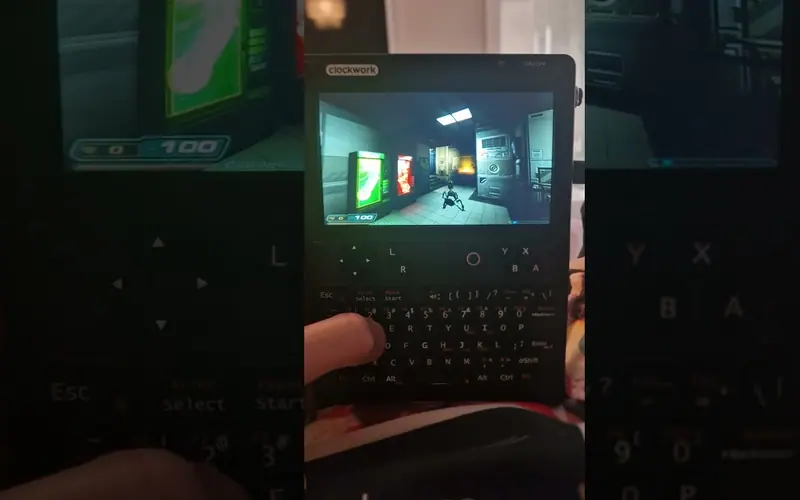
Qazax ran Doom 3 at 1280 × 720 on maximum settings on an A-06 uConsole, installed through Pi-Apps with the gearbox in gear 6.
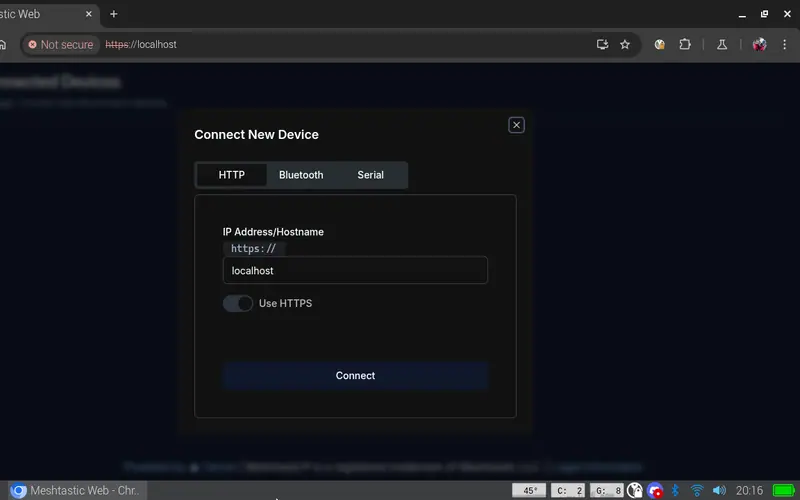
Run a Meshtastic node on the console itself: meshtasticd drives the AIO's SX1262 over SPI, with the graphical MUI, the web UI or the Contact TUI client on top.
On Rex's images a single apt install gives you SDR++ for the AIO's RTL-SDR or a USB dongle; his AIO package adds the sdrpp-brown fork.