Balatro and other Love2D games, natively
Extract Balatro.love from the Steam install, patch globals.lua for Linux and run it with love - full speed on a CM4 with the performance governor.
What it takes
- Software only
Difficulty 1 of 3 - easy.
Details
mikeschnier's method, adapted from an RGB30 port guide: browse the game's local files in Steam, pull out Balatro.love, add a block to globals.lua around line 50 that turns off Discord, achievements and crash reports when love.system.getOS() is Linux, re-zip without a nested folder and launch it with love Balatro.love. Saves live in ~/.local/share/love/Balatro and unlocks work. Disable CRT Bloom in the settings and put the CPU governor in performance mode - that alone fixed the frame rate, no overclock needed.
Controls are the trackball and mouse buttons by default; fuzzie's reply adds gamepad support through an SDL controller mapping and MoltenGamepad with a launch script. The same recipe covers other Love2D games, and AleReb's uconsole-game-compat list has Balatro running on a CM5 as well.
Links
Open at Forum threadRelated mods
Rex's ClockworkPi-RetroPie image (Pi-Gen, EmulationStation, RetroArch) is the working answer; the Debian install and gamepad threads fill in the rest.
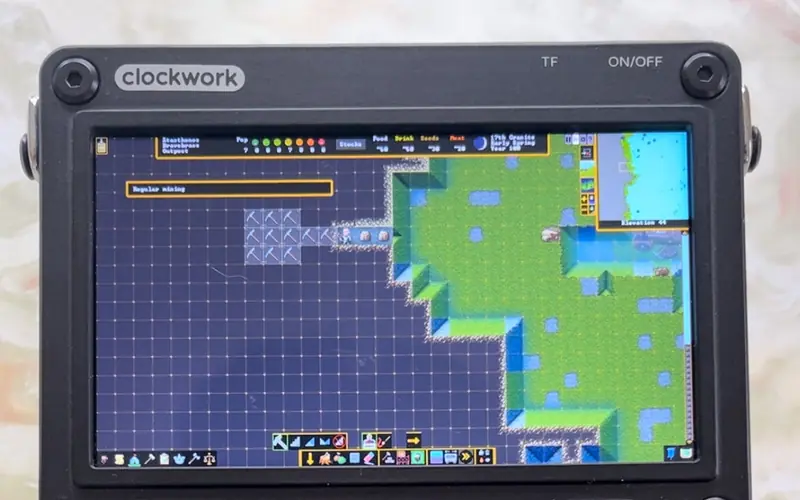
ptitSeb's Box86/Box64 run the x86 Steam client and WINE on a CM4 or CM5 - old and light games only, Steam in Small Mode, plus a compatibility list.
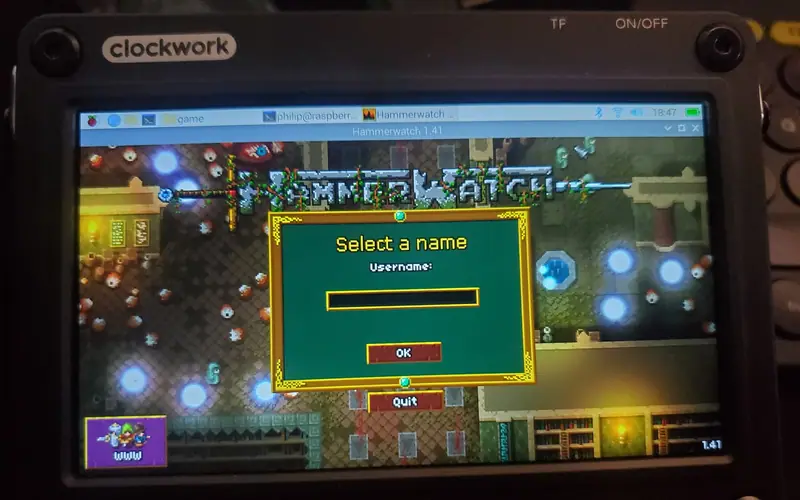
Philip's four fixes for a GOG Linux installer on a CM4: unzip the .sh, run it through Box64, teach the launch script about aarch64, export TERM=xterm for Mono.
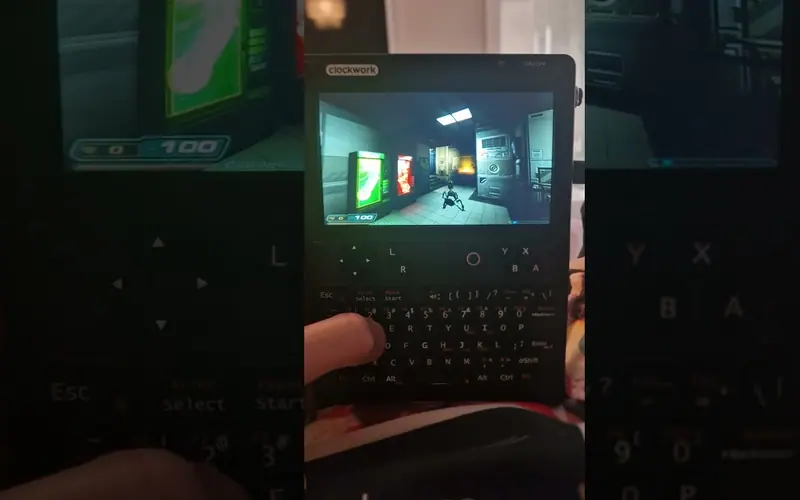
Qazax ran Doom 3 at 1280 × 720 on maximum settings on an A-06 uConsole, installed through Pi-Apps with the gearbox in gear 6.
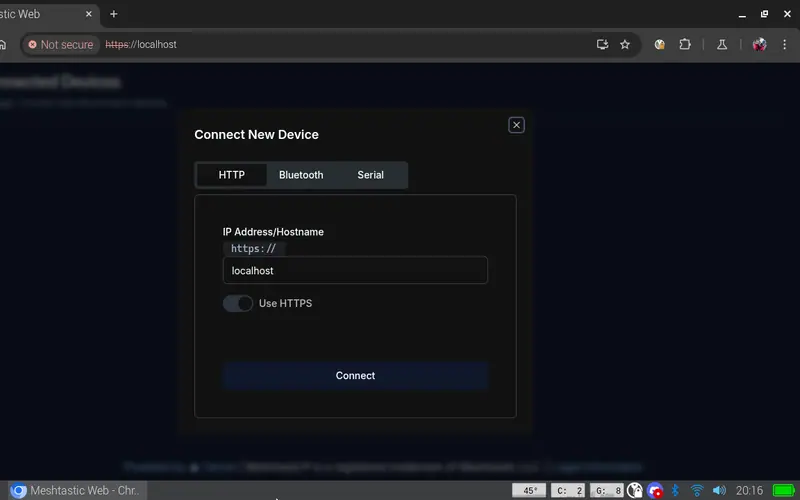
Run a Meshtastic node on the console itself: meshtasticd drives the AIO's SX1262 over SPI, with the graphical MUI, the web UI or the Contact TUI client on top.
On Rex's images a single apt install gives you SDR++ for the AIO's RTL-SDR or a USB dongle; his AIO package adds the sdrpp-brown fork.