eMMC compute modules: flashing and trade-offs
An eMMC CM4 or CM5 disables the SD slot and must be flashed through an IO board or the HackerGadgets adapter's USB-C port; most owners advise the Lite.
What it takes
- Purchase required
- Disassembly
Difficulty 2 of 3 - moderate.
Details
Sam_Chevalier's black screen with an eMMC CM4 is the classic case: an eMMC module ignores the SD card, and the uConsole has no way to flash it, so you need a CM4 IO board or another carrier with rpiboot (the HackerGadgets adapter adds a USB-C flashing port and DIP switches for the same purpose). JeremiahJ's CM5 question got the same answer: the eMMC and the SD slot cannot be switched or dual-booted.
Johnputer's 'to eMMC or not' thread settled on the Lite for flexibility; users also reported the eMMC CM5 running hotter and drawing more power. Kirou's experiments measured on-board eMMC as fastest, with an Orange Pi eMMC-to-microSD adapter falling between a good card and on-board - limited by the SD bus, and with fit problems in the socket.
Links
Open at Forum threadRelated mods
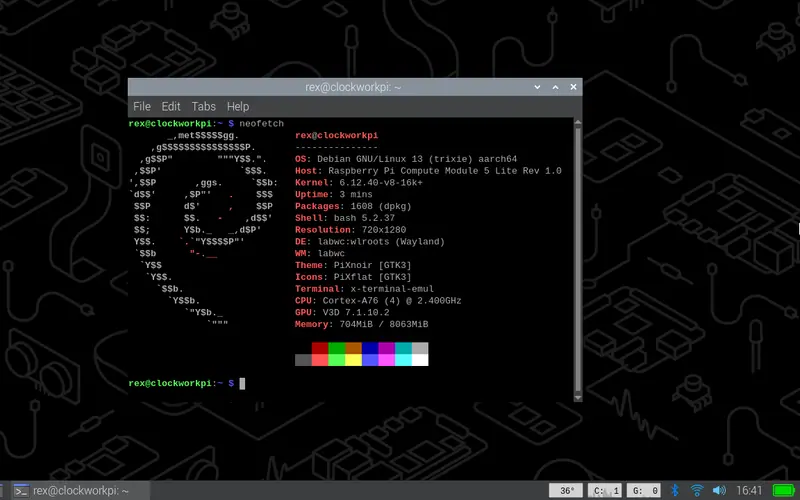
The community's recommended OS: Debian 13 on Rex's patched Pi kernel, desktop and Lite variants, for CM3+, CM4, CM4S and CM5.
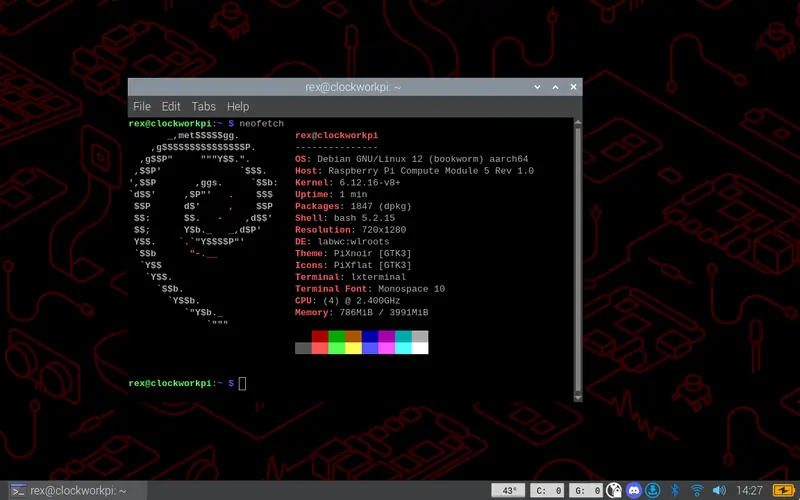
The previous Debian release of Rex's line, still rebuilt for the new screens in 2026 - the fallback when something on Trixie is not ready yet.
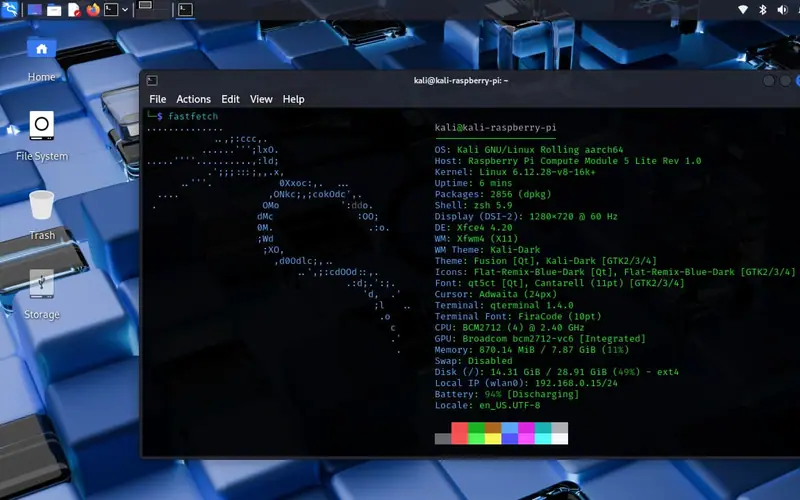
Rex's Kali image for CM4 and CM5 on the uConsole kernel with the hardware presets; cuu's original CM4 build is documented on the ClockworkPi wiki.
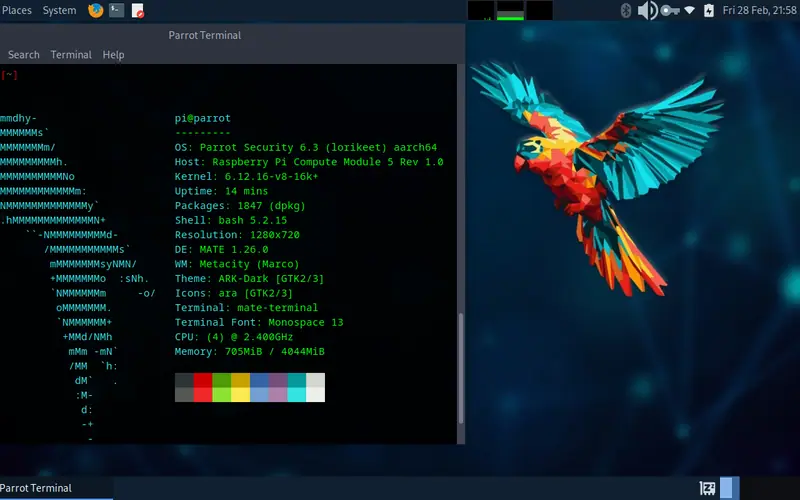
Rex's Parrot OS build for CM3/CM4/CM5 in Home and Security editions, plus krokowitz's Security spin with RTL-SDR and ALFA drivers preinstalled.
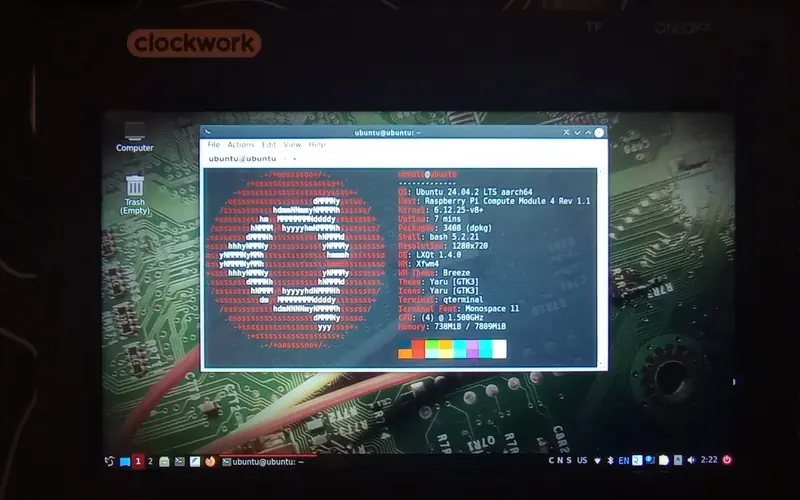
Rex's build of DragonOS Pi64 - an Ubuntu 22.04 SDR distribution with the radio tools preinstalled - on the uConsole kernel for CM4 and CM5.
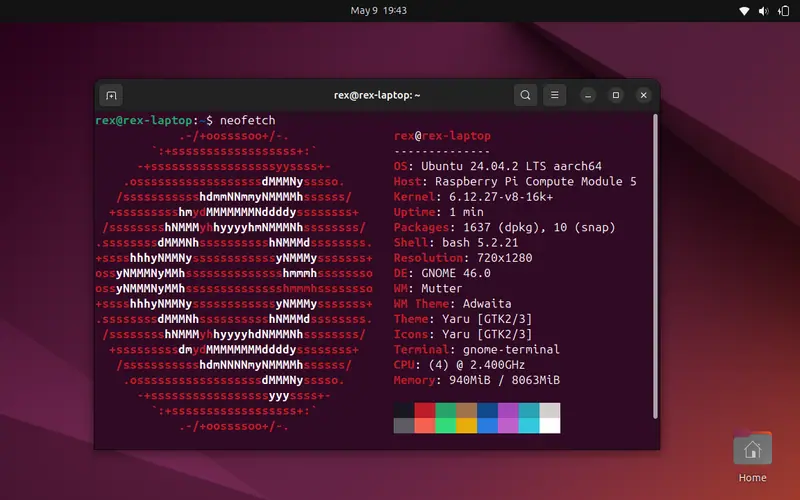
Ubuntu on the uConsole kernel for CM3/CM4/CM5 - originally 24.04, now 26.04 on the 7.1.y kernel line.