Booting a CM5 Lite from NVMe
Update the CM5 Lite's EEPROM, set BOOT_ORDER=0xf461 and dtparam=pciex1, then clone the SD card to the drive - from Rex, lulu and the boot-trouble threads.
What it takes
- Config change
- Firmware flash
- Purchase required
Difficulty 2 of 3 - moderate.
Details
Rex's EEPROM thread is the reference: a CM5 Lite needs bootloader firmware newer than 6 January 2025 to boot reliably from SD and to see NVMe, applied with sudo rpi-eeprom-update and sudo rpi-eeprom-config -e, with BOOT_ORDER=0xf461 (SD, then NVMe, USB, network), BOOT_UART=1, POWER_OFF_ON_HALT=1, SD_BOOT_MAX_RETRIES=2 and SD_QUIRKS=1. The images ship with dtparam=pciex1=off; switch it on in config.txt (the February 2026 rebuilds changed this setting).
What worked for people: flash and boot from SD, use SD Card Copier to clone onto the NVMe, then remove the card (mc01 on Trixie, PJ, and davefrommars on Kali, who also set pciex1_gen=3). mc01 found Gen 3/4 unstable and settled on dtparam=pciex1_gen=2; others fixed detection by reseating the module and ribbons. lulu's manual covers the same steps for the hack2you NVMe module (CM5 only). Shutdown takes longer from NVMe.
Links
Open at Forum threadRelated mods
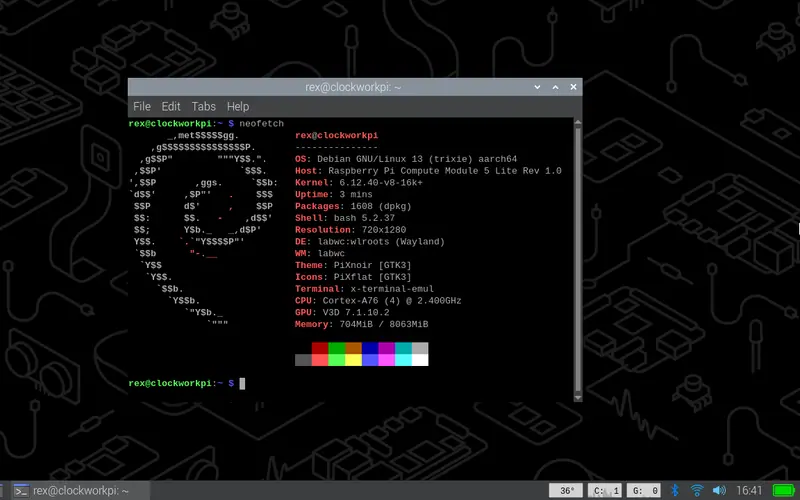
The community's recommended OS: Debian 13 on Rex's patched Pi kernel, desktop and Lite variants, for CM3+, CM4, CM4S and CM5.
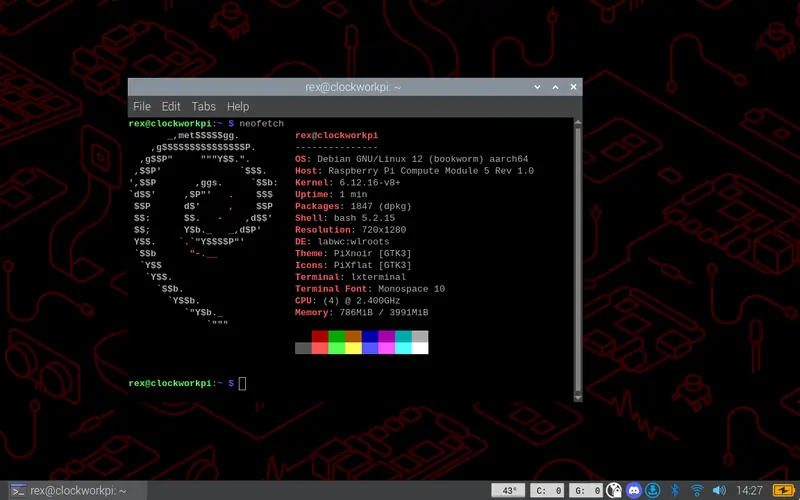
The previous Debian release of Rex's line, still rebuilt for the new screens in 2026 - the fallback when something on Trixie is not ready yet.
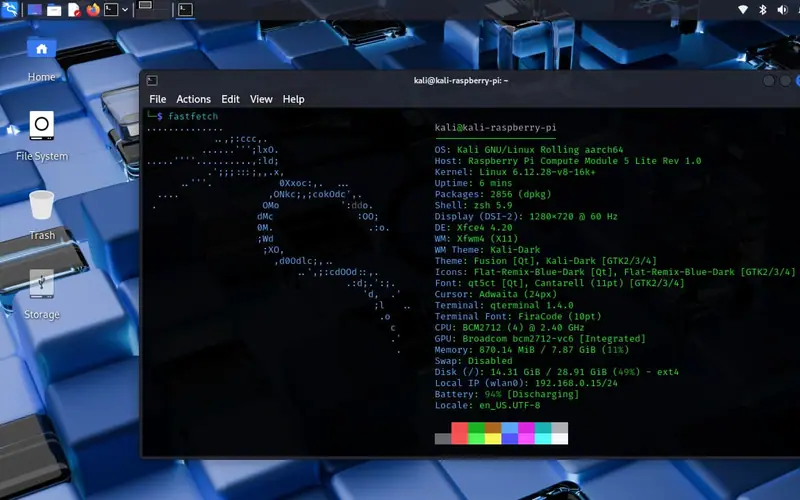
Rex's Kali image for CM4 and CM5 on the uConsole kernel with the hardware presets; cuu's original CM4 build is documented on the ClockworkPi wiki.
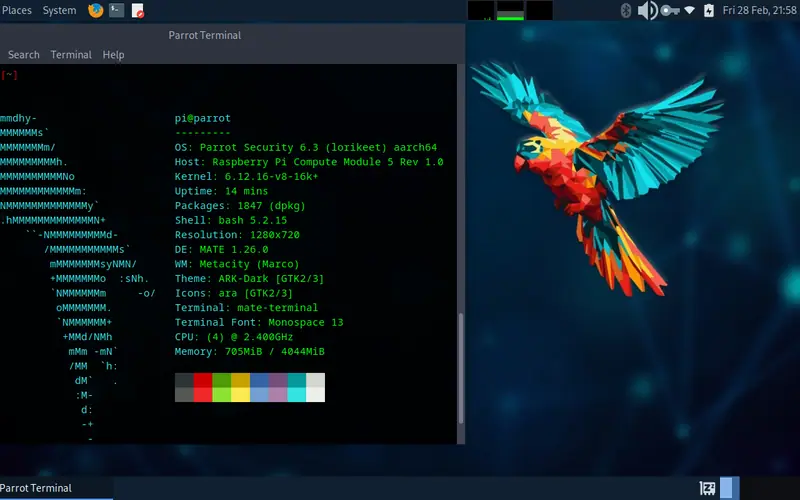
Rex's Parrot OS build for CM3/CM4/CM5 in Home and Security editions, plus krokowitz's Security spin with RTL-SDR and ALFA drivers preinstalled.
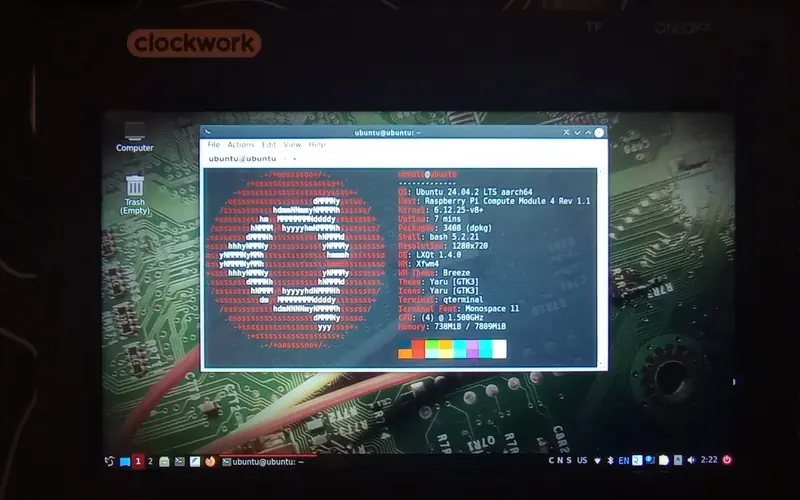
Rex's build of DragonOS Pi64 - an Ubuntu 22.04 SDR distribution with the radio tools preinstalled - on the uConsole kernel for CM4 and CM5.
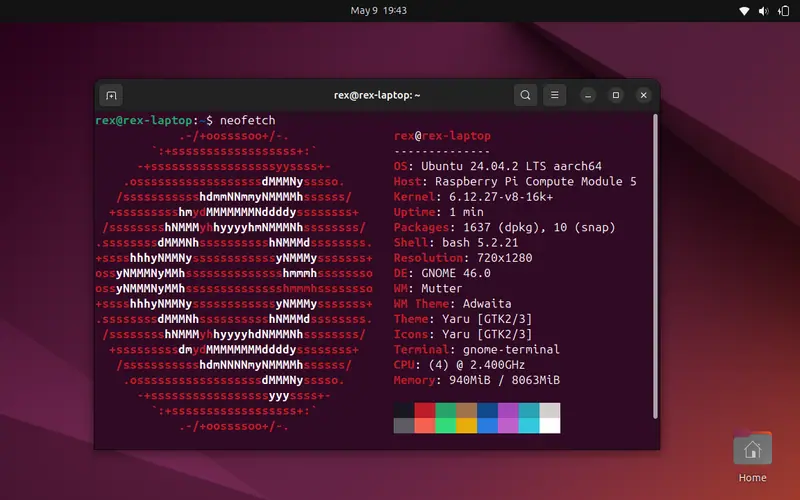
Ubuntu on the uConsole kernel for CM3/CM4/CM5 - originally 24.04, now 26.04 on the 7.1.y kernel line.