Screen rotation fixes for the login screen and stubborn apps
The panel is portrait-native, so SDDM and some apps come up sideways; an xrandr line in Xsetup or Xsession.d puts them right on X11.
What it takes
- Config change
Difficulty 1 of 3 - easy.
Details
Mykhailo_Chuha's SDDM fix: add xrandr --output DSI-1 --rotate right to /usr/share/sddm/scripts/Xsetup and point DisplayCommand at it in /var/lib/sddm/state.conf so the login screen is upright from boot; check the output name with xrandr first (DSI-1 or DSI-2, XWAYLAND0 under Wayland). Kirou's alternative is booting to the desktop and locking the screen immediately, which also survives external monitors.
For apps that ignore the session rotation (VNC, Kodi, VLC fullscreen, Steam Link, Moonlight, Crawl tiles), Glbr_Hanson's thread uses /etc/X11/Xsession.d/100custom_xrandr with the same xrandr line, or runs kodi.bin directly so it uses Xorg rather than the framebuffer. fbcon=rotate:1 in cmdline.txt only rotates the text console; GPU apps launched from a TTY need per-app handling.
Links
Open at Forum threadRelated mods
The micro-HDMI port drives a monitor or a Nexdock lapdock; ARandR (xrandr) makes it the primary screen, and the CM4 lists modes up to 3840 × 2160 at 30 Hz.
A 4.3-inch resistive digitizer on a USB touch controller fits under the stock bezel with two printed spacers - a working touchscreen without cutting the case.
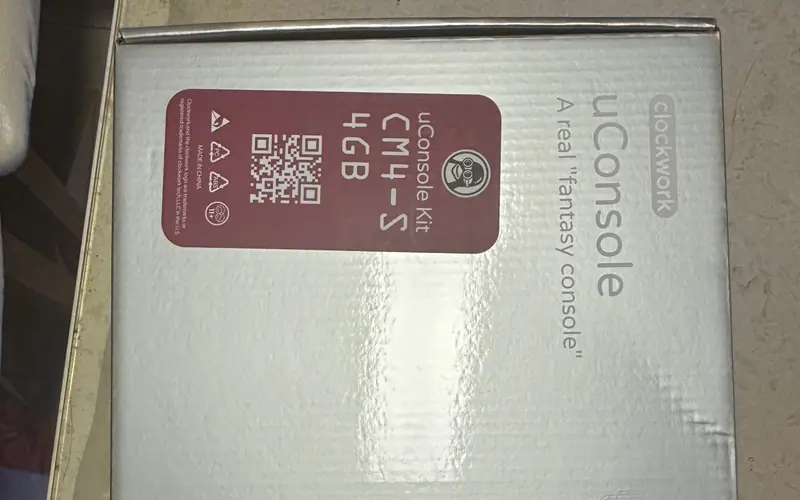
uConsoles shipped since 2025 carry a third panel revision (TXW500242B0) that older OS images cannot drive; Rex's kernel 6.12.67 images support all three.
Tempered-glass protectors for the Blackmagic Pocket Cinema Camera 6K (SmallRig 3274 and similar) are a near-perfect fit for the 120 × 65 mm screen.
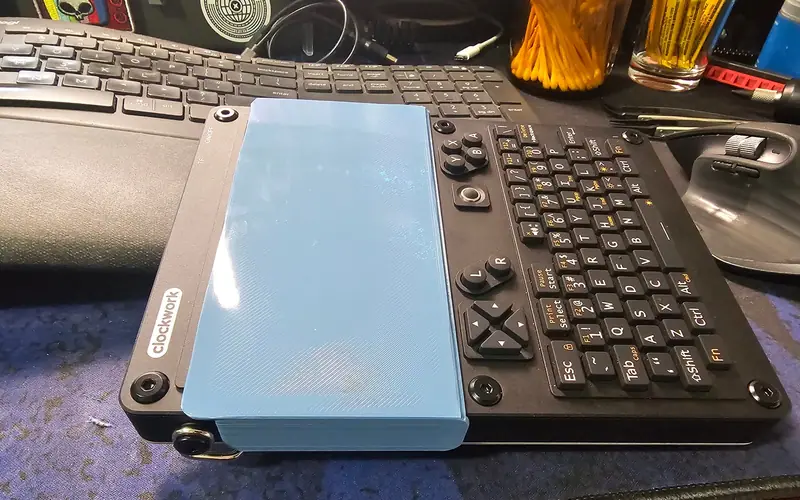
A simple clip-on cover that prints flat with no supports and keeps about 0.5 mm off the glass - for throwing the console in a bag.
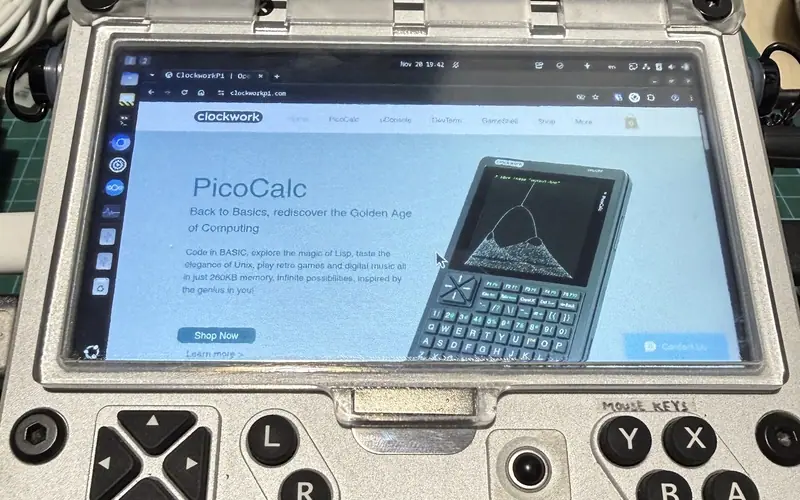
A front cover on a 2 mm carbon-fibre rod hinge with a magnet catch, printed in clear resin so you can peek at the screen; about $10 to have made.