External HDMI monitor or lapdock as the main display
The micro-HDMI port drives a monitor or a Nexdock lapdock; ARandR (xrandr) makes it the primary screen, and the CM4 lists modes up to 3840 × 2160 at 30 Hz.
What it takes
- Plug & play
- Config change
Difficulty 1 of 3 - easy.
Details
tipcon wanted a portable HDMI monitor as the main display rather than an extension; Zeth's answer is the ARandR layout editor (xrandr underneath), with the warning to restore the layout before unplugging because the OS will not notice on its own. gilwood runs a 14-inch Nexdock lapdock over HDMI plus USB as the primary display, keyboard included.
On resolution, Schmitty's thread has stibbons listing the CM4 output modes from 640 × 480 up to 3840 × 2160 at 30 Hz; 4K at 60 Hz would need enabling in config.txt and sits at the edge of what the CM4 and the micro-HDMI connector manage. The A-06 does at least 4K at 30 Hz.
Links
Open at Forum threadRelated mods
The panel is portrait-native, so SDDM and some apps come up sideways; an xrandr line in Xsetup or Xsession.d puts them right on X11.
A 4.3-inch resistive digitizer on a USB touch controller fits under the stock bezel with two printed spacers - a working touchscreen without cutting the case.
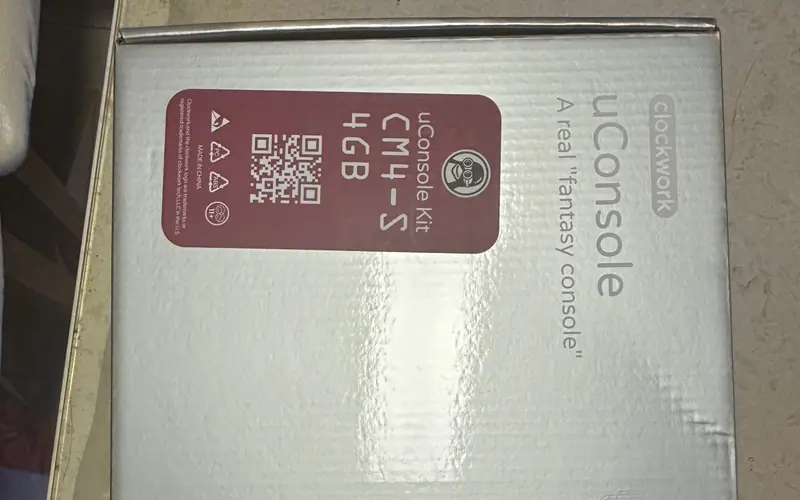
uConsoles shipped since 2025 carry a third panel revision (TXW500242B0) that older OS images cannot drive; Rex's kernel 6.12.67 images support all three.
Tempered-glass protectors for the Blackmagic Pocket Cinema Camera 6K (SmallRig 3274 and similar) are a near-perfect fit for the 120 × 65 mm screen.
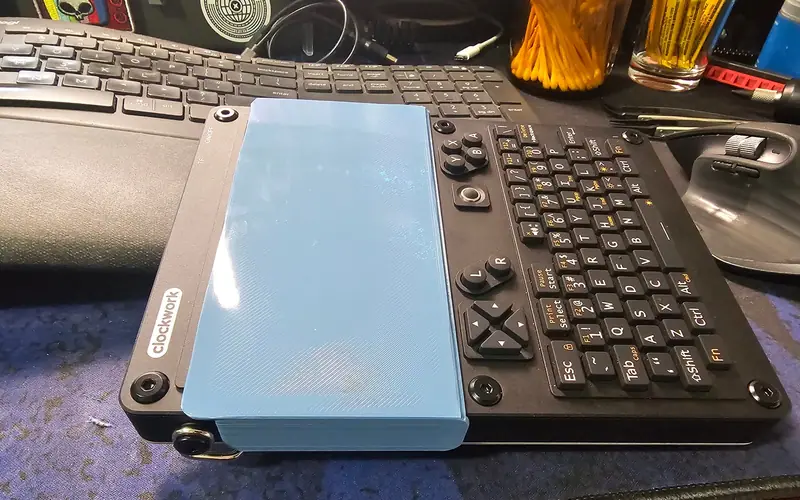
A simple clip-on cover that prints flat with no supports and keeps about 0.5 mm off the glass - for throwing the console in a bag.
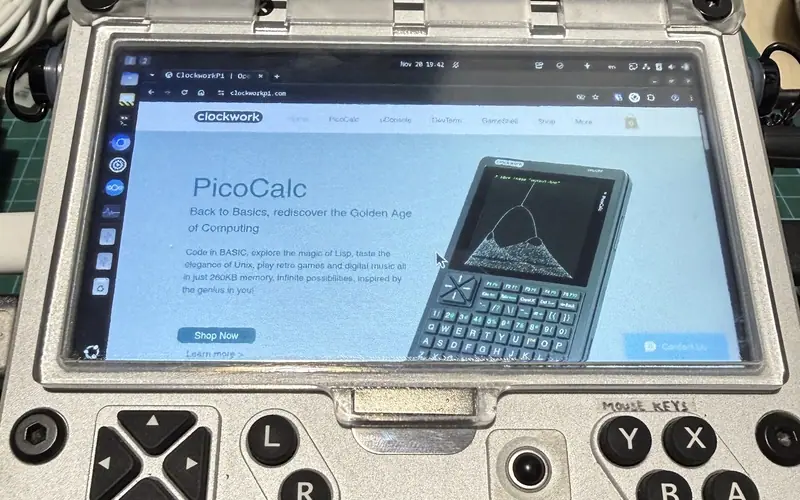
A front cover on a 2 mm carbon-fibre rod hinge with a magnet catch, printed in clear resin so you can peek at the screen; about $10 to have made.