Upgrading to a Raspberry Pi CM5
A CM5 drops into the CM4 adapter for a faster CPU, up to 16 GB of RAM and USB 3.0 - get a Lite with WiFi, update its EEPROM, and mind the heat.
What it takes
- Purchase required
- Disassembly
- Firmware flash
Difficulty 2 of 3 - moderate.
Details
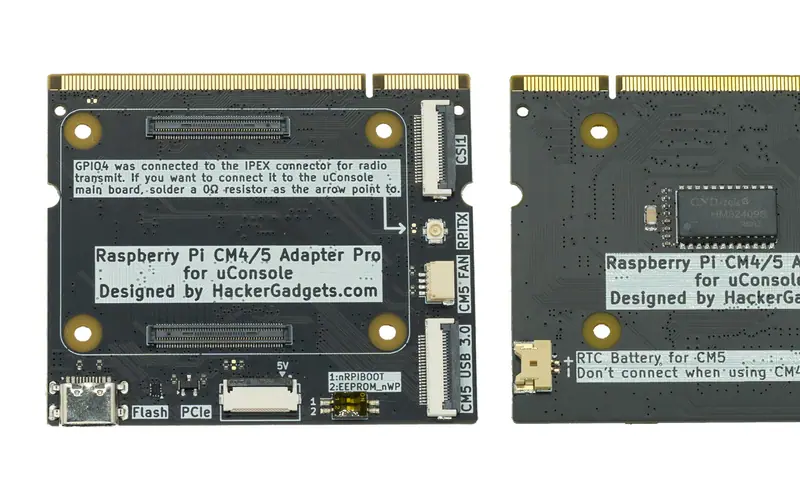
The forum's consensus on which module (msmith's and DigitalDreams' threads): a CM5 Lite with onboard WiFi, 8 GB or 16 GB - CM5108000 or CM5116000 - because eMMC variants disable the SD slot, run hotter and draw more, and the mainboard's own WiFi is not connected to the module. It needs an adapter board (ClockworkPi $19, HackerGadgets $23 with NVMe and USB 3.0, lulu $20) and a bootloader EEPROM newer than 6 January 2025 for reliable SD boot; Rex's EEPROM thread has the settings. PJ's build log shows a Lite 8 GB with WiFi on Bookworm 6.12.y booting after that update - and after swapping a 512 GB card for the kit's 32 GB one.
MikeJSTB's months of failure ended by flashing the Pi 5 bootloader to an SD card with the Imager's 'no filter' option, letting it run for about eight minutes on batteries plus USB-C, then booting the OS card - worth trying before blaming the hardware. The Thermal category covers why a stock CM5 throttles under the back cover.
Links
Open at Forum threadRelated mods
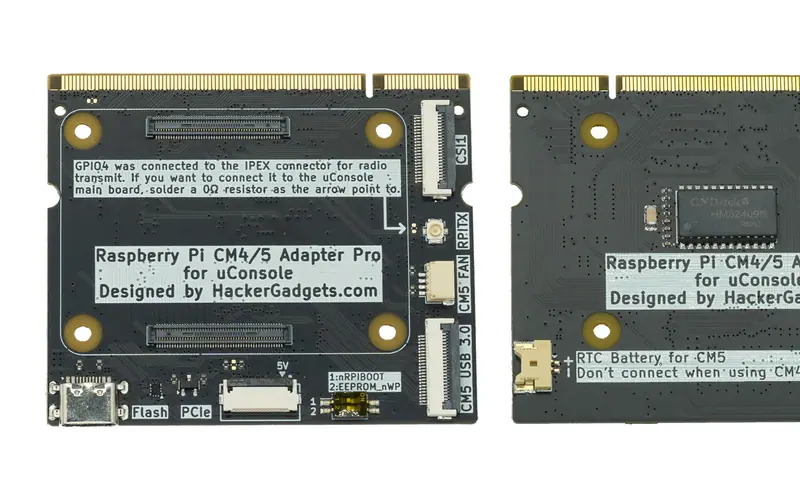
Every CM4 or CM5 sits on an adapter in the CM3 socket: the $19 open-source original, HackerGadgets' $23 board with NVMe and USB 3.0, or lulu's $20 CM5 kit.
trinity's reference table of every compute core that fits the uConsole - ISA, RAM, eMMC, WiFi, OS support, adapter needed or not - plus the adapter boards.
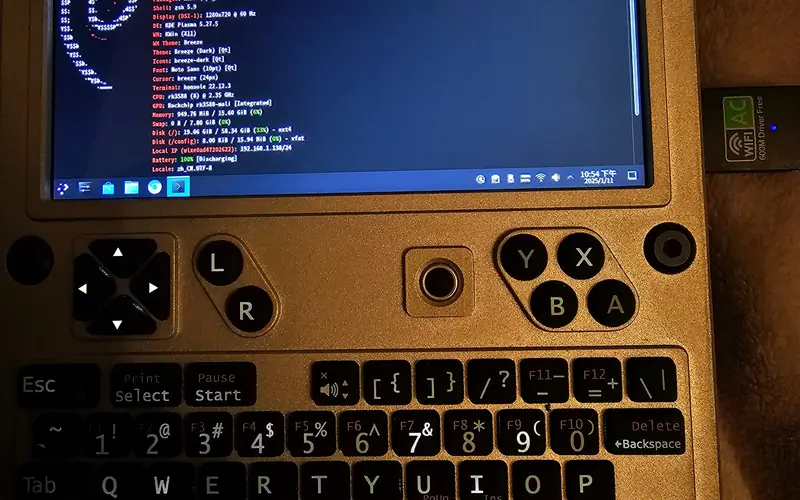
An RK3588S module with up to 32 GB RAM on HackerGadgets' Radxa adapter: display, keyboard, USB and charging work, no onboard WiFi, mainline kernel since 2026.
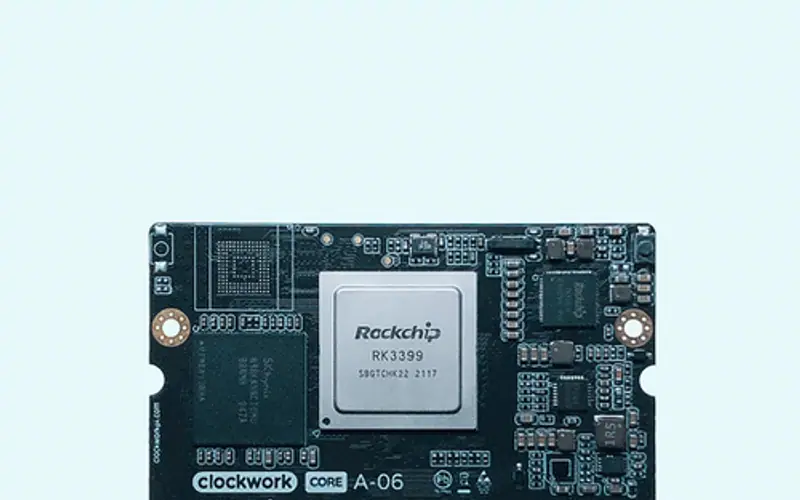
ClockworkPi's own RK3399 module - two Cortex-A72 plus four A53, Mali-T864, 4 GB - needs no adapter; $129, with a smaller but real software base.
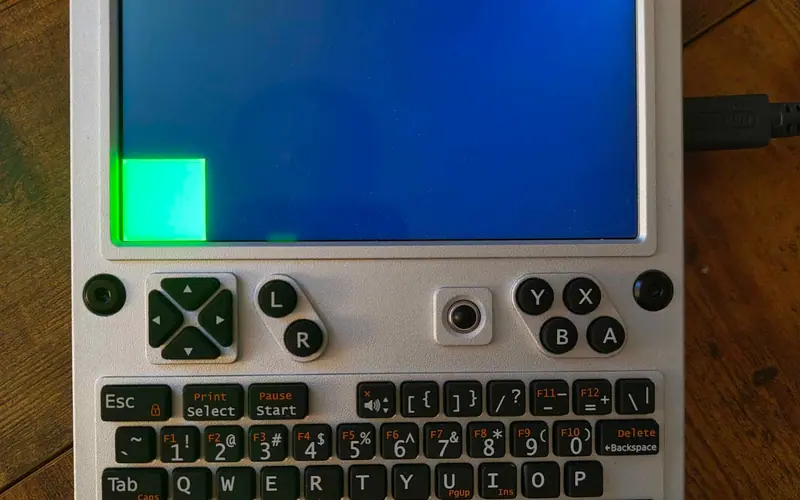
A single-core 1 GHz RISC-V module with 1 GB and no GPU - a terminal machine with long battery life, now sold out, with a small but determined software scene.
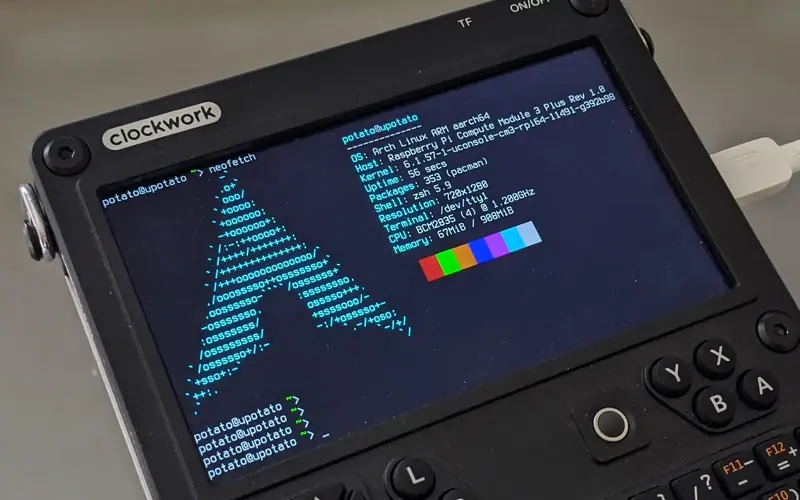
The mainboard's socket is a CM3 socket, so a CM3, CM3+ or CM4S drops straight in; PotatoMania's kernel work made them usable and Rex's images support them.