Flashing the stock keyboard firmware (and unbricking it)
ClockworkPi's flash tool updates the keyboard's STM32 over the internal USB with dfu-util, no disassembly; the UART route and the S1 pads recover a bricked one.
What it takes
- Firmware flash
Difficulty 2 of 3 - moderate.
Details
The keyboard is an STM32F103 running an Arduino (STM32duino, USBComposite) sketch published in the clockworkpi/uConsole repo. cuu added the Fn + trackball scroll mode and the uconsole_keyboard_flash.tar.gz tool in November 2023: install dfu-util and run sudo ./flash.sh on the uConsole itself or an Ubuntu 22.04 PC. The wiki warns not to confuse the tool's binary with the uconsole.kbd.*.bin images, which are for the UART method.
If a flash fails, dexpid's fix is to take the keyboard out, connect it by micro-USB, bridge the unpopulated S1 pads and run the flash command during the green LED blink - it can take a few tries. The wiki's UART guide uses a serial adapter on the 6-pin FPC (TX on PA9, RX on PA10, and ground, which one reply forgot) with stm32flash at 57600 baud and switch 1 on; SkyRanger used an ST-Link and STM32CubeProgrammer instead.
Links
Open at Wiki - Simple uConsole keyboard flashing toolRelated mods
A clean rewrite of the stock keyboard firmware on STM32 HAL: ten switchable layers, a better trackball curve with inertia, Fn lock and auto-dimming backlight.
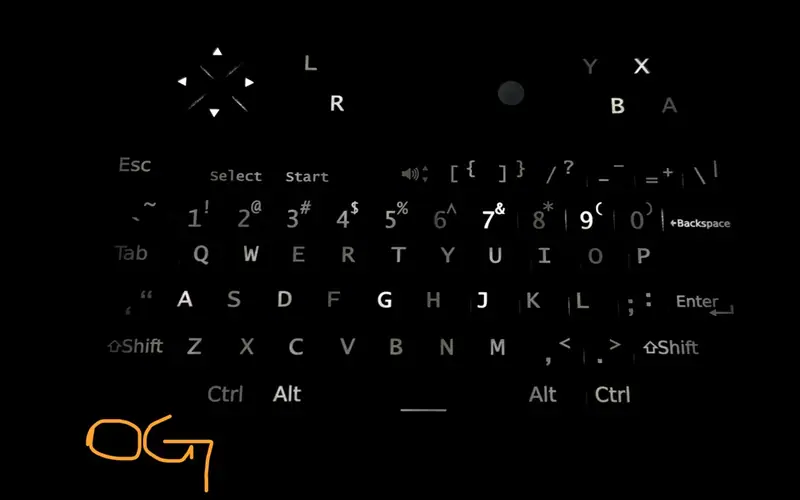
Open-source QMK port of the keyboard firmware: Select + ball scrolls, Fn + G game mode, precision mode, tap-hold keys and a web tester, flashed over USB.
A modified build of ClockworkPi's own Arduino firmware: QMK-like trackball smoothing and Select + ball scrolling without QMK's USB power quirks.
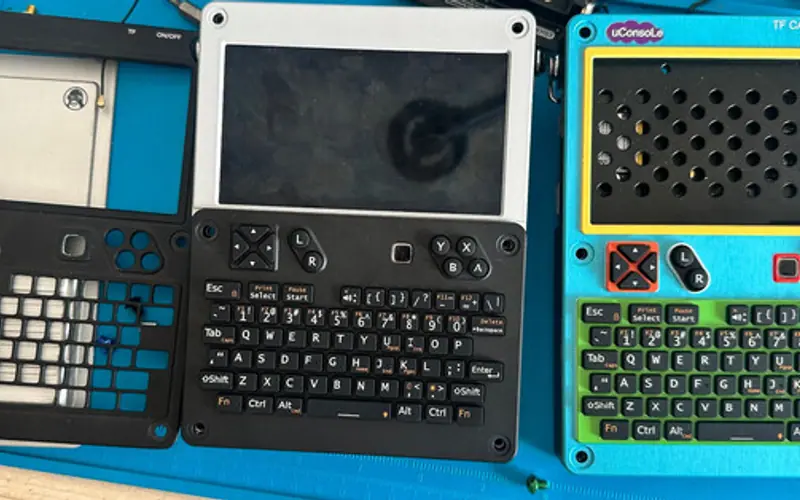
lululvlv's replacement keyboard puts a BlackBerry 9900 optical trackpad where the ball was and runs ZMK; sold on Tindie and hack2you.tech since late 2025.
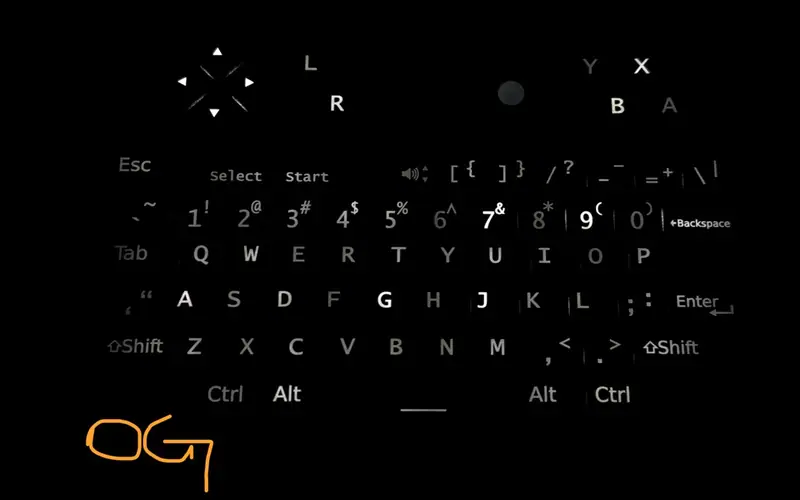
The 0.1 mm diffuser film dims the backlight; pulling it out brightens the keys, and beams' printed 95A TPU diffuser evens the light and lightens the key feel.
SuperMarioSF's xinput middle-button emulation turned the ball into a scroll wheel; ClockworkPi then built Fn + ball scrolling into the stock firmware.