Keyboard diffuser: remove the film or print beams' TPU one
The 0.1 mm diffuser film dims the backlight; pulling it out brightens the keys, and beams' printed 95A TPU diffuser evens the light and lightens the key feel.
What it takes
- Disassembly
- 3D print
Difficulty 2 of 3 - moderate.
Details
grrr found the thin diffuser between the keypad and the PCB was eating most of the backlight and removed it: noticeably brighter, still uneven, and several owners preferred the softer key feel that came with it. DigitalDreams' side-by-side photos rank a printed diffuser with the LED spots left clear as the brightest option, about 15 % over no diffuser at all, with the stock film second but patchy.
beams (Jing Dong) designed that diffuser after 70-plus test prints: two parts in clear 95A TPU at 0.08 mm layers and 100 % infill on a smooth plate, with the LED positions blacked out in permanent marker before fitting. The files are £4.50 for personal use at s.jing.io; printing TPU cleanly is the hard part, as one reply found.
Links
Open at Forum: beams' QMK, trackball guide and diffuser releaseRelated mods
The keyboard backlight has two brightness levels toggled with Fn + Space; on early keyboards the first level did nothing until the stock firmware was updated.
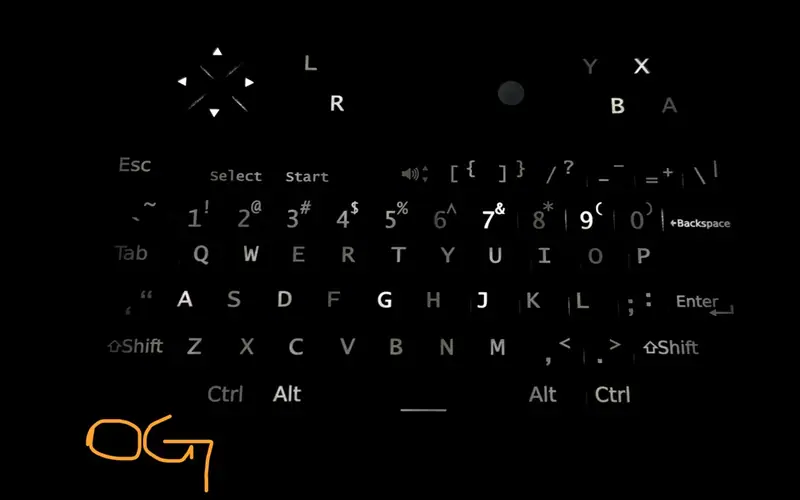
Open-source QMK port of the keyboard firmware: Select + ball scrolls, Fn + G game mode, precision mode, tap-hold keys and a web tester, flashed over USB.
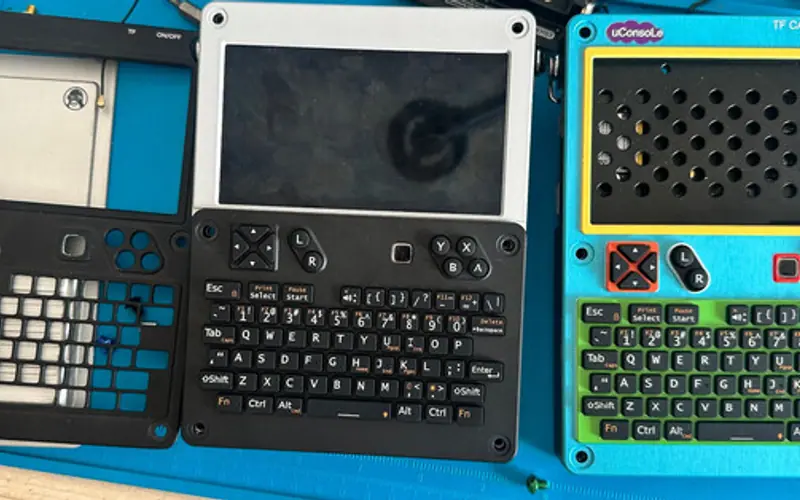
lululvlv's replacement keyboard puts a BlackBerry 9900 optical trackpad where the ball was and runs ZMK; sold on Tindie and hack2you.tech since late 2025.
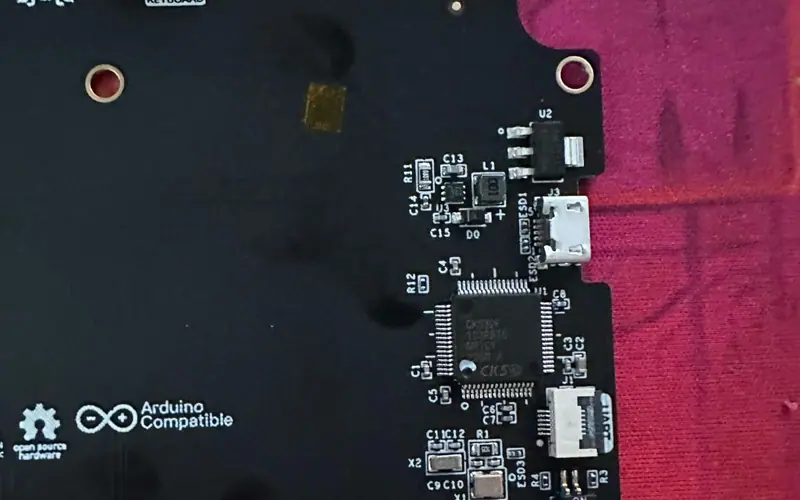
ClockworkPi's flash tool updates the keyboard's STM32 over the internal USB with dfu-util, no disassembly; the UART route and the S1 pads recover a bricked one.
A modified build of ClockworkPi's own Arduino firmware: QMK-like trackball smoothing and Select + ball scrolling without QMK's USB power quirks.
A clean rewrite of the stock keyboard firmware on STM32 HAL: ten switchable layers, a better trackball curve with inertia, Fn lock and auto-dimming backlight.