Hard-reset fix: make long-press power-off work on a CM5
Remove R120 and bridge the compute module's 3.3 V to GND_VREF, and the power button's long press force-powers a CM5 off again - no battery pull needed.
What it takes
- Disassembly
- Soldering
Difficulty 3 of 3 - advanced.
Details
On a CM4 a long press on the power button has always been a hard power-off; Raspberry Pi changed the power-pin behaviour on the CM5, so a locked-up CM5 uConsole means pulling the batteries. wtsh traced it to the TPS61178 boost converter's enable, which is driven from SYS_3V3 but is held at about 1.7 V by the GPIO_VREF net after the AXP228 cuts SYS_3V3 - above the converter's 0.4 V shut-down threshold. The fix, tested on a CM5 Lite 16 GB with the HackerGadgets adapter: remove R120 on the mainboard and solder a wire from the compute module's 3.3 V output to GND_VREF. The alternative is a wire between test points TP33 (CM5_3V3) and TP77 (GPIO_VREF) on the CM5 itself, after which that module must never go into a board with a 1.8 V GPIO_VREF.
The link carries no current, so 0.15 mm wire is fine, but as snipeytje notes it means soldering a jumper to a 0.4 mm-pitch connector, which is beyond most people. The J6 switch mods on the HackerGadgets battery board are the alternatives that keep the soldering off the mainboard.
Links
Open at Forum threadRelated mods
When a USB stick drops the keyboard into 'Maple DFU' mode the mainboard's 1 A USB switch is sagging; a 220 µF tantalum at C513 cured it for one builder.
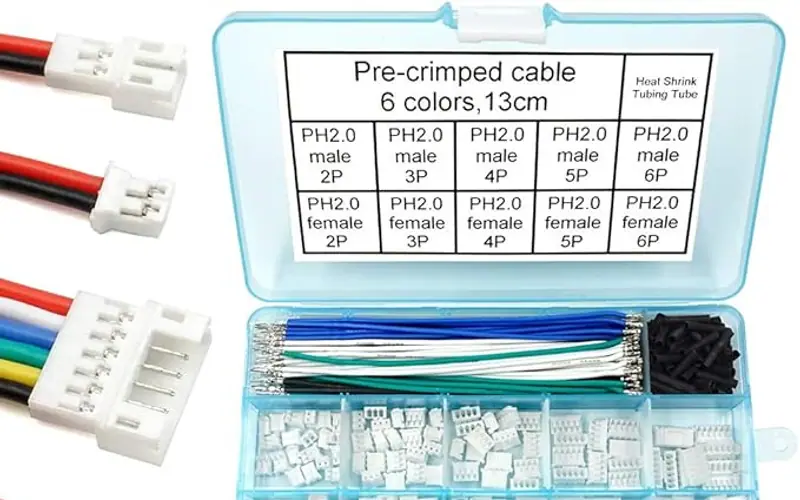
Swap the two 18650s for a single 10,000 mAh 9858102 pouch - 24–31 Wh measured - but only with a protection board that survives the uConsole's 5 A peaks.
bored99's one-piece replacement back leaves the CM5 heatsink open to the air and covers the cells with a magnet-held plastic lid for quick swaps.
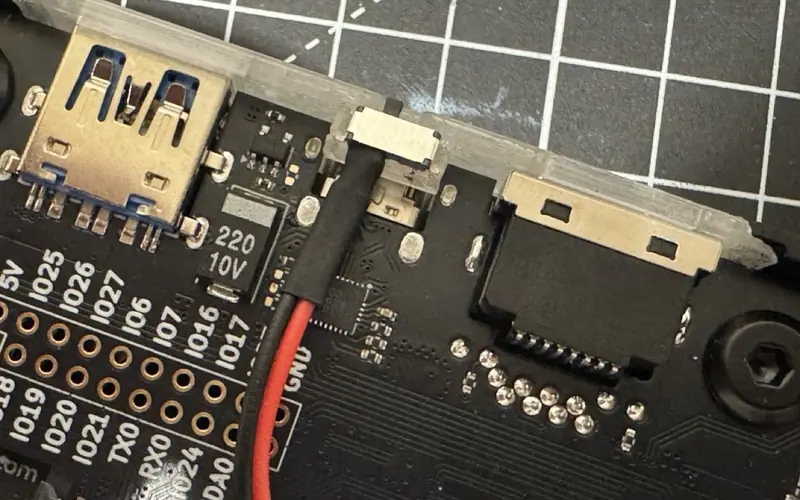
beams' MSK12C02 slide switch uses the pads HackerGadgets reserved on the NVMe battery board to cut the cells - and the NVMe - without a hole in the case.
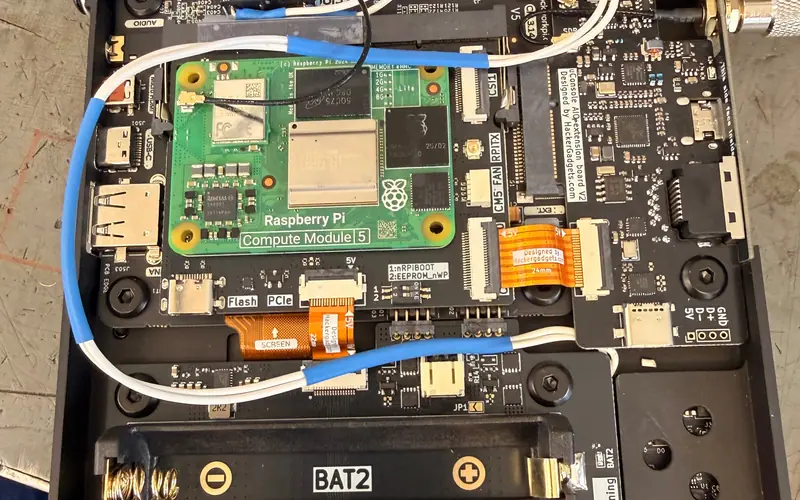
A Crouzet 83170.4 microswitch on the battery board's J6 pads, reached through the rear antenna hole, gives a CM5 a reset button without drilling.
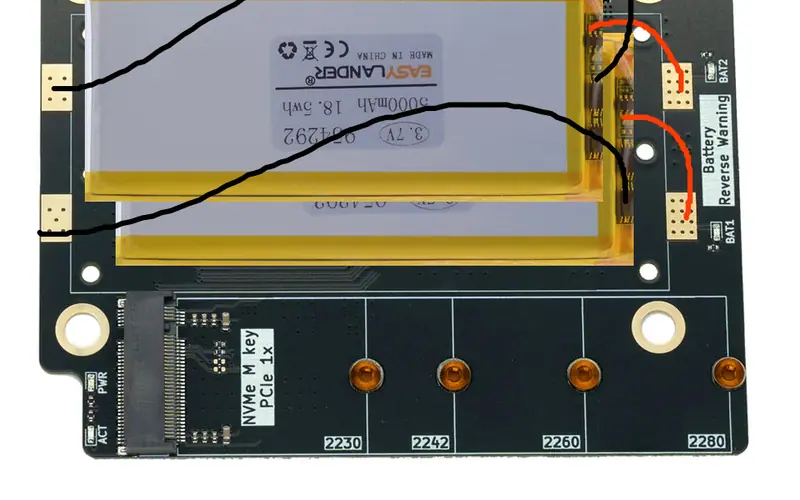
Stack two 5 Ah pouches where the 18650s were and wire them in parallel to the battery board for about 31–33 Wh - after charging both to the same level.